
Travel videos and articles, mapped.
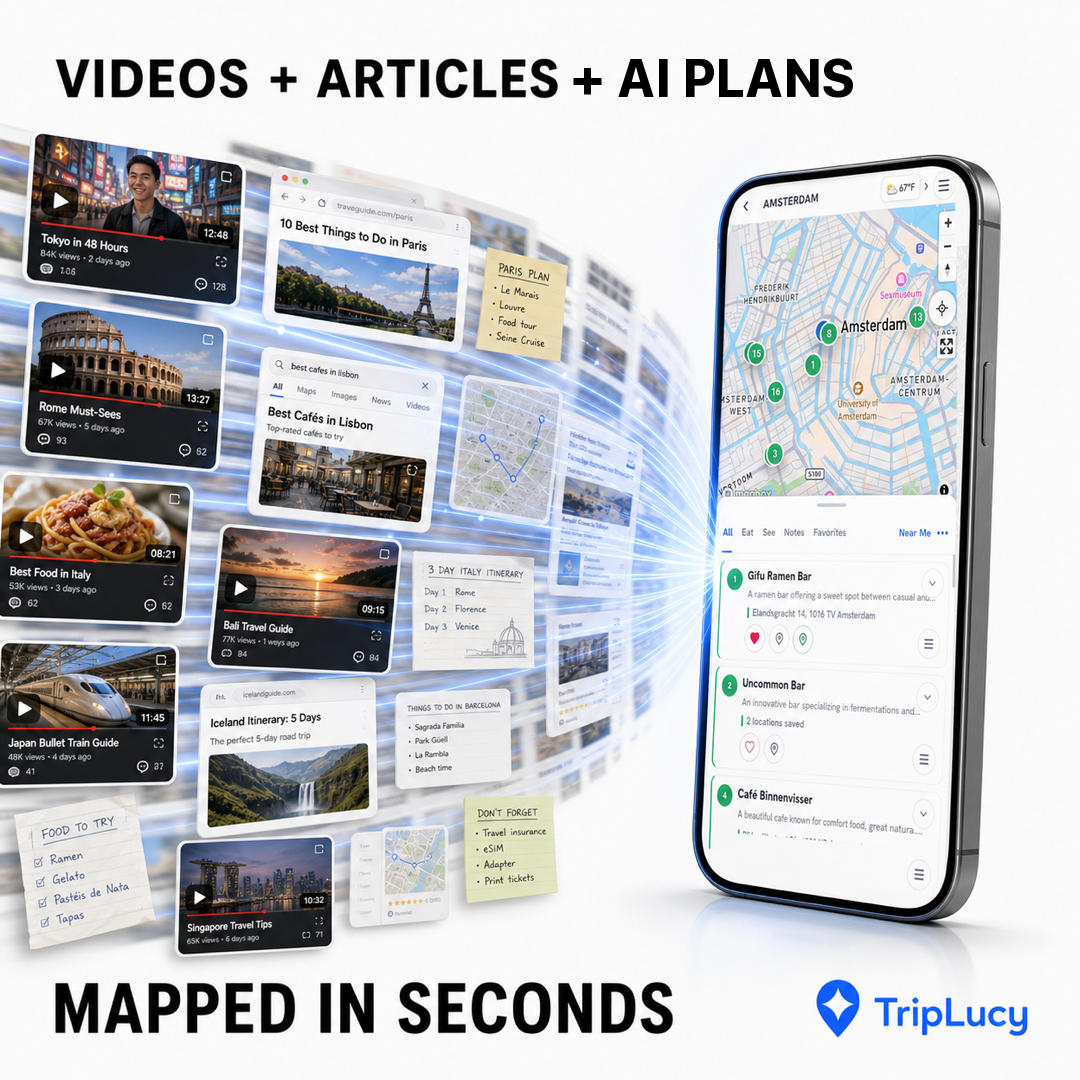
TripLucy's AI watches the travel videos and reads the articles for you. It does in seconds what used to take you hours — mapping and organizing where to eat, what to see, and where to shop.
Who it's for
- You watched ten videos about Rome. Quick — can you name two restaurants from them?
- You saved the articles, asked an AI for a plan, screenshotted the rest, and now it's in five different places.
- You booked the flights and the hotel. That was enough work.
TripLucy is for anyone planning a trip who would rather watch the videos than take notes on them.
How it works
Name your destination.
A city, a region or a whole country. Your map starts there.
Add what you've been watching and reading.
Paste a YouTube travel video (up to an hour), a travel article, or a trip plan from ChatGPT or any AI assistant. No video yet? Pick one from the popular videos about your destination.
Carry the map.
The places land on your map, sorted, with the tips kept alongside. Tap a place to open it in Google Maps. Near Me shows what's closest when you're out walking.
Also on your map
Sharing and Lucy's plans need a free account.
What it costs
One-time packs. No subscription, nothing to cancel.
Your sources are good for 12 months.
A source is one video, article or AI plan you add. Adding places yourself never uses one.
See one
Rome 10 for 10
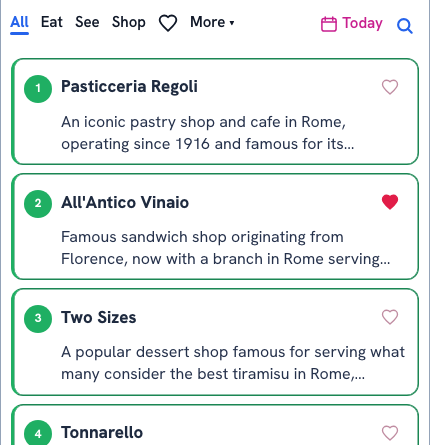
75+ places from ten of the most-watched Rome guides on YouTube, on one map. The ten they recommend most are hearted.
Questions
What is TripLucy?
A web app that turns travel videos, travel articles and AI trip plans into one map of the places they recommend — where to eat, what to see, where to shop — that you carry on your phone.
How do I turn a YouTube travel video into a map?
Start a map for your destination and paste the video's link. TripLucy watches it and pins the places it recommends. Videos up to an hour work.
Can it map a travel blog or article?
Yes. Paste the article's link.
Can I put my ChatGPT itinerary on a map?
Yes. Paste the plan into TripLucy and the places it names land on your map. The same works for a plan from any AI assistant.
Does it work on my phone?
Yes, in any browser on your phone or computer. There's nothing to install.
Can I share my map?
Yes. Send a view-only link. The people you share with can see everything and save their own copy. Sharing needs a free account.
What does it cost?
Your first two sources are free. After that, $10 for 5 sources or $20 for 12. No subscription, nothing to cancel. Sources are good for 12 months.
Is my map private?
Yes, until you share it. Shared links are kept out of search engines.
Who makes TripLucy?
TripLucy was made by its founder, who is retired and built it himself out of fascination with AI. Questions go to support@triplucy.com.